Blog

  • Cloned Post

    cPanel is a very popular online hosting control panel designed to make managing your websites easier. Many shared WordPress hosts utilize this for customers. Follow the tutorial below on how to quickly find your cPanel bandwidth usage. This can be useful if you are migrating hosts and approximating prices based on how much data your site uses on a monthly basis. Here at Kinsta, we have our own custom dashboard, but we will sometimes ask for information from your previous host to figure out which plan is right for you.

    How to Find cPanel Bandwidth Usage

    Step 1

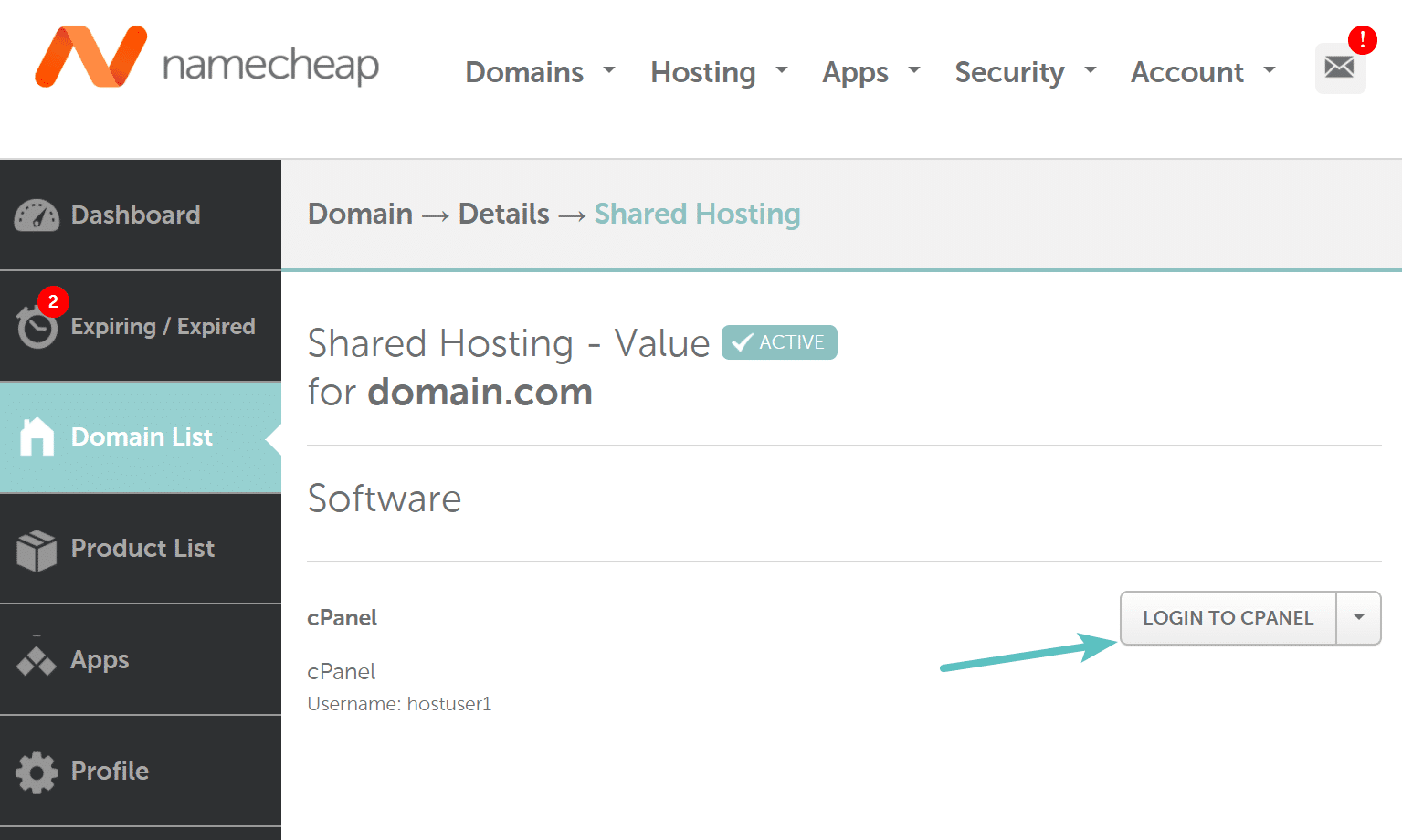
    First, you will need to locate your cPanel login URL. Typically your hosting provider will email you this. It is also usually available from within your hosting provider’s dashboard. See an example on NameCheap below.
    Step 2

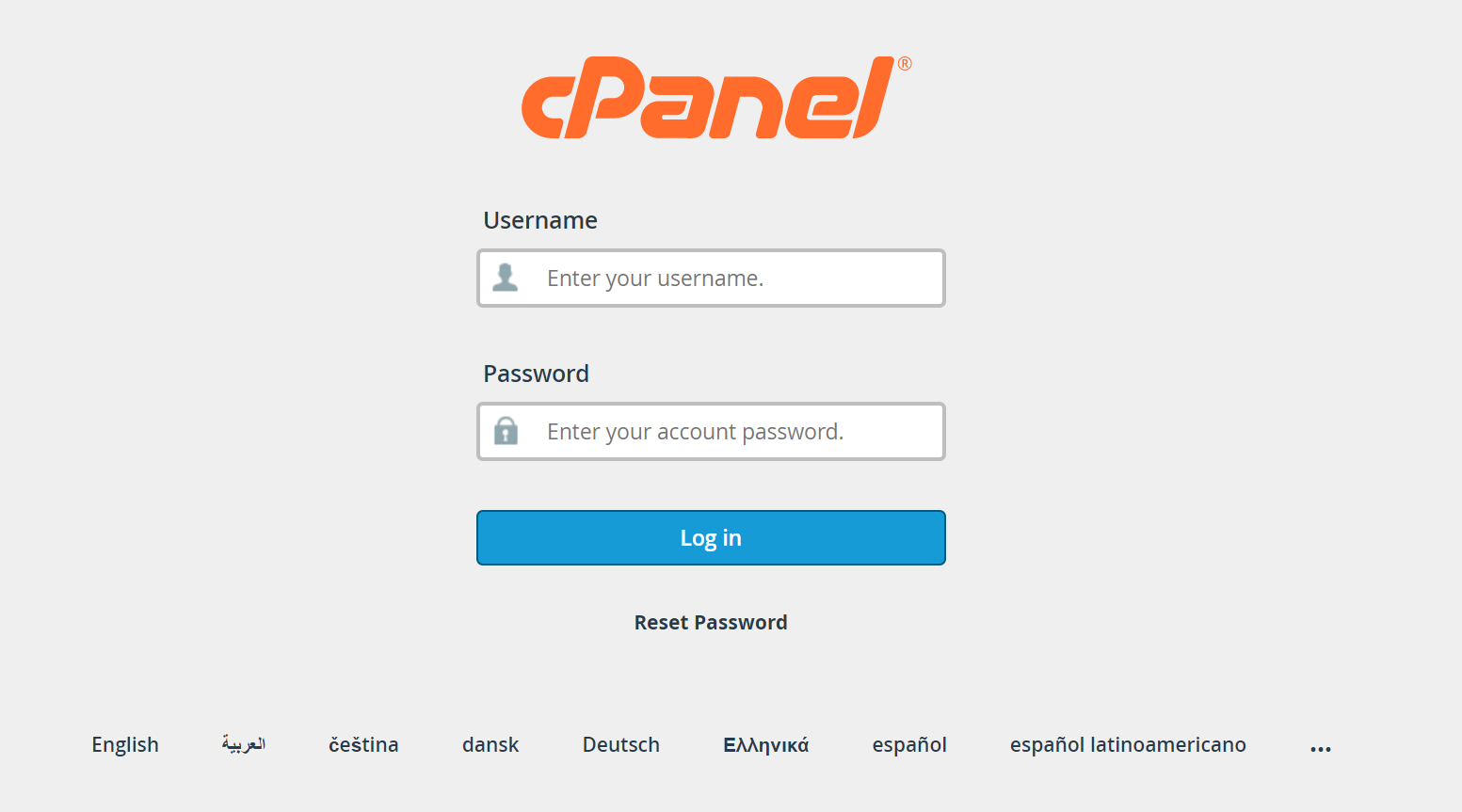
    Then log in to cPanel to access your administrative dashboard.
    Step 3

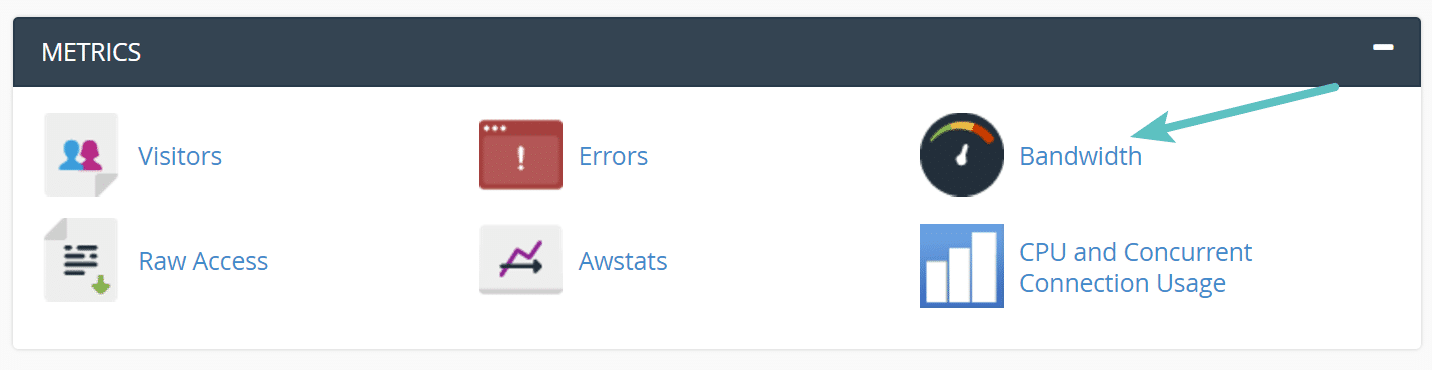
    You can quickly find your current cPanel bandwidth usage on the sidebar. But to see more in-depth reports you will want to scroll down and click on “Bandwidth,” which is under the Metrics section.
  • How to Find cPanel Bandwidth Usage

    cPanel is a very popular online hosting control panel designed to make managing your websites easier. Many shared WordPress hosts utilize this for customers. Follow the tutorial below on how to quickly find your cPanel bandwidth usage. This can be useful if you are migrating hosts and approximating prices based on how much data your site uses on a monthly basis. Here at Kinsta, we have our own custom dashboard, but we will sometimes ask for information from your previous host to figure out which plan is right for you.

    How to Find cPanel Bandwidth Usage

    Step 1

    First, you will need to locate your cPanel login URL. Typically your hosting provider will email you this. It is also usually available from within your hosting provider’s dashboard. See an example on NameCheap below.

    Step 2

    Then log in to cPanel to access your administrative dashboard.

    Step 3

    You can quickly find your current cPanel bandwidth usage on the sidebar. But to see more in-depth reports you will want to scroll down and click on “Bandwidth,” which is under the Metrics section.